- 发布于
Ubuntu NAT 网关配置与镜像源设置
AI 摘要
- 作者

- 姓名
- Corner430
- 社交账号
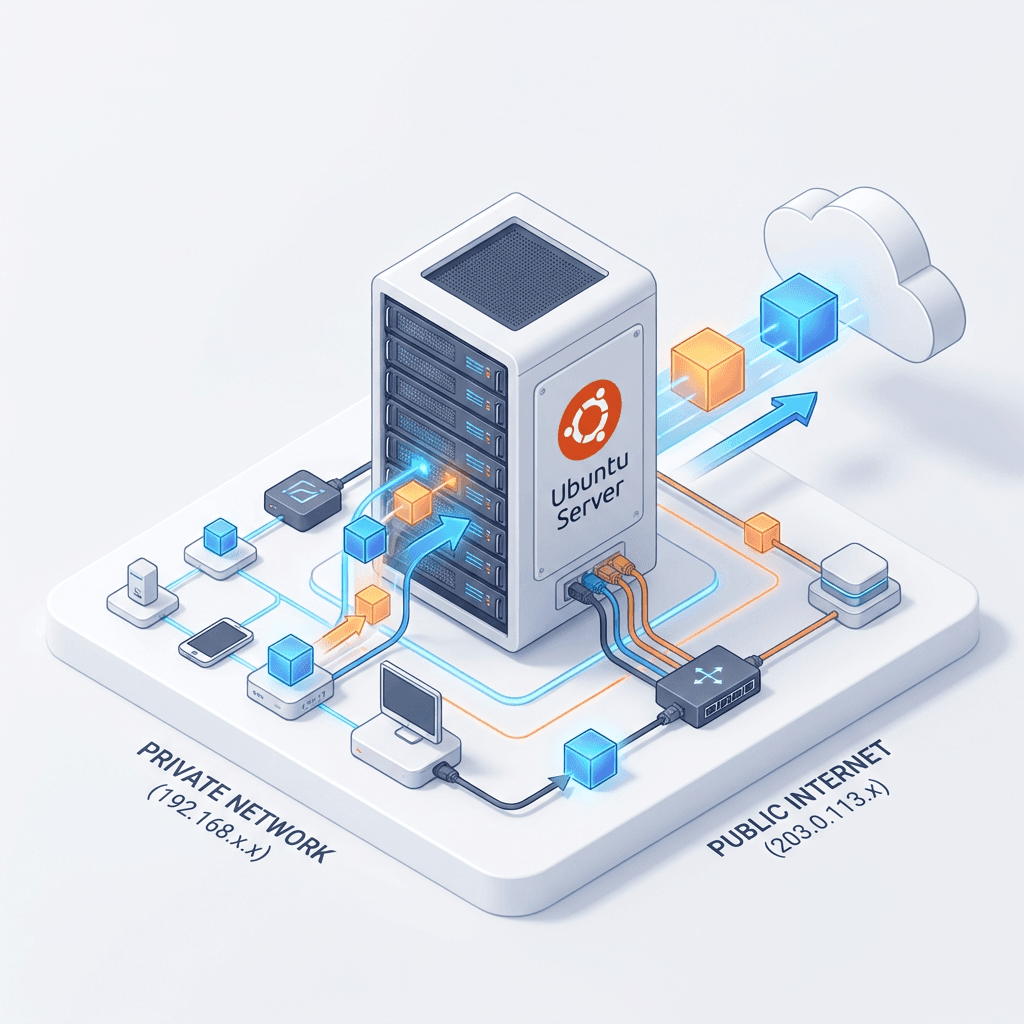
在实验室或办公环境中,经常遇到只有一台机器能上网的情况。本文介绍如何将这台 Ubuntu 配置为 NAT 网关,让局域网内其他设备通过它上网。
1 配置 NAT 网关
1.1 前提条件
确保作为网关的 Ubuntu 已经能正常联网。
1.2 开启 IP 转发
sudo sysctl net.ipv4.ip_forward=1
如需持久化,编辑 /etc/sysctl.conf,添加或取消注释:
net.ipv4.ip_forward=1
然后执行 sudo sysctl -p 使其生效。
1.3 配置 iptables NAT 规则
# 假设 eth0 是连接外网的接口,根据实际情况替换
sudo iptables -t nat -A POSTROUTING -o eth0 -j MASQUERADE
1.4 其他设备设置默认网关
在局域网内的其他 Ubuntu 机器上,将默认网关设为能上网那台机器的 IP:
# 新版本 Ubuntu 推荐使用 ip route
sudo ip route add default via <网关IP地址>
旧版本 Ubuntu 也可以使用
sudo route add default gw <网关IP地址>,但route命令在新版本中已被ip route替代。
1.5 配置 DNS
在每台需要上网的设备上编辑 /etc/resolv.conf,添加 DNS 服务器:
nameserver 114.114.114.114
nameserver 8.8.8.8
nameserver 8.8.4.4
1.6 静态 IP 配置
Ubuntu 使用 Netplan 管理网络配置:
- 配置文件路径:
/etc/netplan/00-installer-config.yaml - 使配置生效:
sudo netplan apply
2 设置国内镜像源
2.1 备份原始源
sudo cp /etc/apt/sources.list /etc/apt/sources.list.backup
2.2 替换为国内源
编辑 /etc/apt/sources.list,替换为以下内容(以 Ubuntu 20.04 focal 为例):
# 阿里云镜像
deb http://mirrors.aliyun.com/ubuntu/ focal main restricted universe multiverse
deb http://mirrors.aliyun.com/ubuntu/ focal-security main restricted universe multiverse
deb http://mirrors.aliyun.com/ubuntu/ focal-updates main restricted universe multiverse
deb http://mirrors.aliyun.com/ubuntu/ focal-backports main restricted universe multiverse
deb http://mirrors.aliyun.com/ubuntu/ focal-proposed main restricted universe multiverse

# 清华大学镜像
deb https://mirrors.tuna.tsinghua.edu.cn/ubuntu/ focal main restricted universe multiverse
deb https://mirrors.tuna.tsinghua.edu.cn/ubuntu/ focal-updates main restricted universe multiverse
deb https://mirrors.tuna.tsinghua.edu.cn/ubuntu/ focal-backports main restricted universe multiverse
deb https://mirrors.tuna.tsinghua.edu.cn/ubuntu/ focal-security main restricted universe multiverse
注意将
focal替换为你实际使用的 Ubuntu 版本代号。可通过lsb_release -cs查看。
2.3 更新软件包索引
sudo apt update
2.4 修复 Vim 问题
如果系统中 Vim 不可用,可以重新安装:
sudo apt-get remove vim-common
sudo apt-get install vim
版权声明
- 作者: Corner430
- 标题: Ubuntu NAT 网关配置与镜像源设置
- 链接: https://corner430-ai-blog.vercel.app/blog/Ubuntu-NAT
- 许可协议: CC BY-NC-SA 4.0
除非另有说明,本文内容采用 CC BY-NC-SA 4.0 许可协议。转载请注明出处。